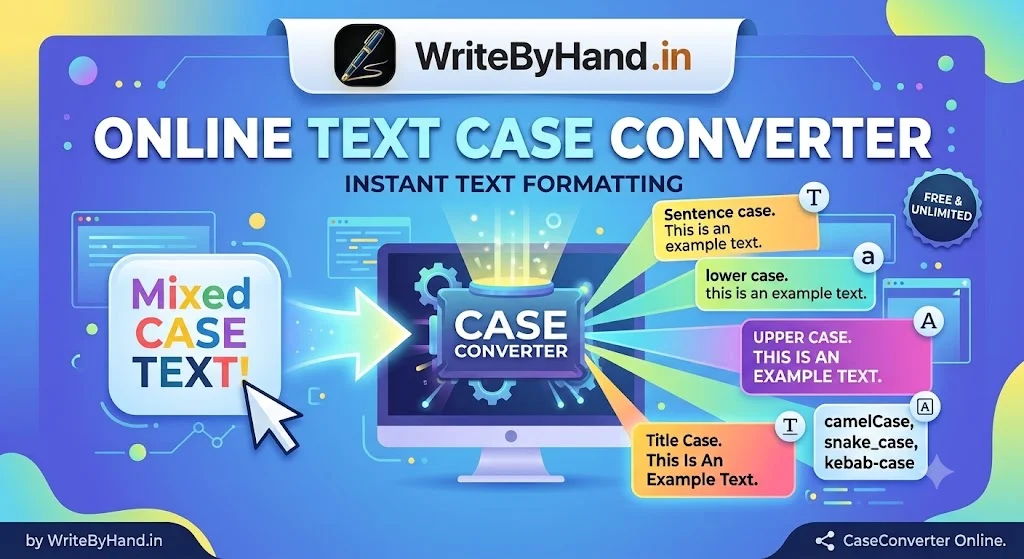
You hit Caps Lock, type a whole paragraph, and only notice at the end. Or a database export hands you a column of ALL CAPS titles that need to become proper headlines or clean URLs. Retyping any of it is a waste of an afternoon, which is why an online case converter lives in so many bookmark bars.
Casing matters more than it looks. It’s the bridge between machine readability (APIs, databases, code, URLs) and human readability (headlines, buttons, email subject lines). Machines want strict, predictable formats. People want text that reads naturally. Moving between the two by hand is slow and full of typos, and that’s the repetitive work a converter eliminates.
The Anatomy of Text Casing
Casing splits into two worlds.
Editorial styles are for people: Title Case, Sentence case, UPPERCASE, lowercase. They follow style guides and personal taste, and they change how a headline feels.
Programming cases are for machines: camelCase, PascalCase, snake_case, kebab-case. They exist because code and URLs can’t contain spaces, and because teams need one consistent way to write multi-word names. Break the convention and you get inconsistent code, failed lookups, or broken links.
Knowing which world you’re working in tells you which style to pick before you touch a single character.
Case Converter Styles Compared
Any text case converter worth using covers these eight styles:
| Case Style | Format Example | Primary Real-World Application |
|---|---|---|
| Title Case | How To Build A Link Profile | Headlines, page titles, email subject lines |
| Sentence case | How to build a link profile | UI text, buttons, modern editorial style |
| UPPERCASE | HOW TO BUILD A LINK PROFILE | Acronyms, warnings, constants |
| lowercase | how to build a link profile | Normalizing emails and tags, matching text |
| camelCase | myVariableName | JavaScript variables, JSON keys, Java methods |
| PascalCase | MyClassName | Class names, React components, C# types |
| snake_case | my_variable_name | Python variables, database column names |
| kebab-case | my-url-slug | URLs, CSS classes, file names |
On camelCase vs snake_case: there’s no winner. It’s the language and the team that decide. JavaScript and JSON lean camelCase, Python and SQL lean snake_case, and a single app often needs both, with a mapping layer between the API and the database. Follow the ecosystem you’re in.
One more cousin you’ll meet: SCREAMING_SNAKE_CASE, used for constants like MAX_RETRIES.
Using a Case Converter for Writing and Marketing
Writers and marketers hit casing problems from a different angle. A few places where the tool saves real time:
- Headlines and subject lines. A title case converter applies your house style in one click. The catch is that AP and Chicago disagree. AP capitalizes words of four letters or more, so “with” becomes “With”. Chicago lowercases prepositions whatever their length, so it stays “with.” Pick one guide and stay consistent.
- Messy lead lists and CRM exports. Names arrive as
JOHN SMITH,john smith, andJohn smithin the same file. Normalizing casing before you import prevents duplicates and awkward “Hi JOHN” emails. - Anchor text and permalinks. Cleaning a list of anchors into one style is quick. Turning a headline into a lowercase, hyphenated slug is a one-step job.
- Fixing the Caps Lock accident. Going from uppercase to lowercase (or sentence case) beats retyping every time.
Case Converter Shortcuts in JavaScript and Python
If the job belongs in a script instead of a browser tab, these one-liners do the same work as a case converter.
JavaScript:
js
'Hello World'.toUpperCase();                        // HELLO WORLD
'Hello World'.toLowerCase();                        // hello world
'my_variable_name'.replace(/_(\w)/g, (_, c) => c.toUpperCase());   // myVariableName
'myVariableName'.replace(/[A-Z]/g, c => '_' + c.toLowerCase());    // my_variable_name
Python:
python
'Hello World'.upper()                       # HELLO WORLD
'Hello World'.lower()                       # hello world
'my_variable_name'.title().replace('_','')  # MyVariableName
re.sub(r'[^a-z0-9]+', '-', s.lower()).strip('-')   # URL slug (import re first)
A Python warning: .title() mangles apostrophes, turning “it’s” into “It’S”. For proper words, use string.capwords() instead.
How Link-Building Teams Automate a Case Converter
Casing gets messy fast at volume. Data-driven link-building and digital PR operations, such as the platforms behind Links Builder Hub, take in raw prospect lists, client anchor text, and campaign data from many sources. Left as is, the same site shows up as Example.com, EXAMPLE.COM, and example.com, and one anchor appears in three different styles.
Automated case converter routines fix this on the way in. The usual pattern:
- Lowercase domains and URLs before storing or comparing them, so duplicates collapse.
- Standardize anchor text to the style each publisher requires, instead of someone editing it by hand.
- Format headline tags for outreach pitches and guest posts consistently across hundreds of campaigns.
- Generate kebab-case slugs from approved titles.
The benefit is fewer manual typos and fewer mismatches between a client’s approved text and what actually gets published. One rule keeps it safe: keep an exceptions list for brand names like iPhone or eBay, so automation doesn’t “correct” them.
Common Casing Mistakes and Edge Cases
1. Overcapitalizing minor words. In Title Case, short articles, conjunctions, and prepositions (a, the, and, of, in) usually stay lowercase unless they open or close the headline. “The Art Of The Deal” looks amateur. Even the best case converter gets this wrong sometimes, so read the output before you publish.
2. Broken slugs. Stray spaces, punctuation, and accented characters leave double hyphens, trailing hyphens, or odd symbols in a kebab-case URL. Trim the text, replace every run of non-alphanumeric characters with a single hyphen, and strip hyphens from the ends.
3. Brand names and acronyms. Converters flatten “SEO”, “API”, and “iPhone” into plain words. Check them manually.
4. Locale quirks. Turkish has a dotted İ and a dotless ı. Convert I to lowercase in a Turkish locale and you get ı, not i, so “FILE” becomes “fıle”. In JavaScript, toLowerCase() ignores locale while toLocaleLowerCase('tr') follows it. Use the locale-free version for code identifiers and file names, and the locale-aware one only for text meant for Turkish readers. Python’s .lower() adds its own surprise: 'İ'.lower() returns two characters, not one.
Conclusion
Fast text transformations belong in your daily routine, not just your emergency toolkit. Keep a trusted case converter bookmarked for editorial work, keep the one-liners above in your notes for code, and settle on one style guide so everyone gets the same result. Small automations like these add up to hours saved and a lot fewer typos.